 Christmas Mega Sale – Enjoy Up to 50% OFF on Every Plan!
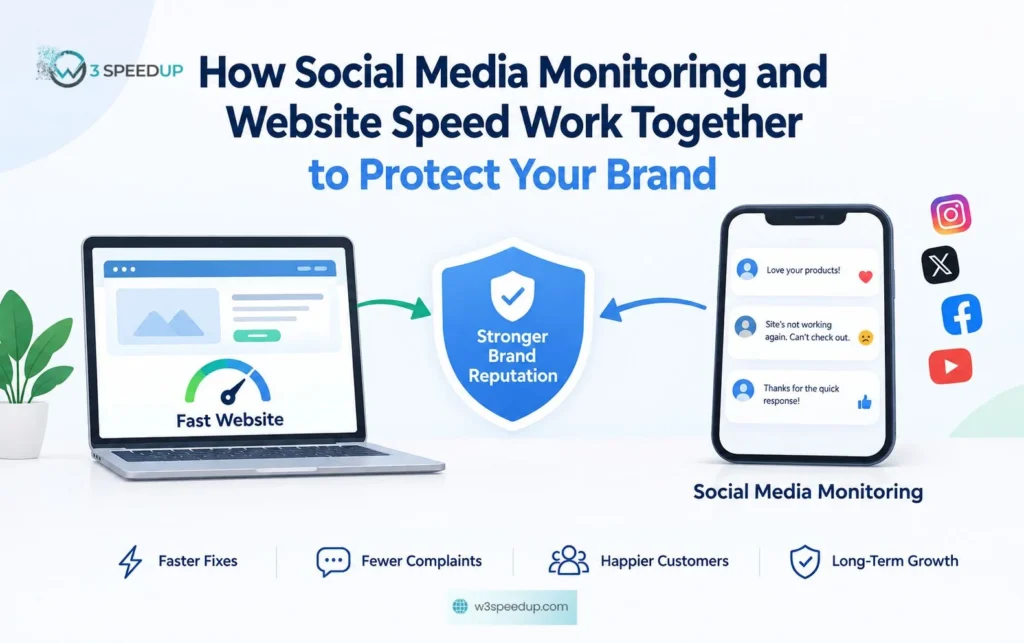
Quick Answer: Social media monitoring and website speed work together to protect your brand reputation. A slow website can quickly lead to customer complaints, while social monitoring can help identify these issues early. By combining website speed optimization with social media monitoring, brands can spot problems faster, respond to customers sooner, and improve the overall customer experience.
A customer lands on your site at 11pm. The page takes six seconds to load. They leave, open Instagram, and post a comment under your latest ad: “Site’s broken again, can’t check out.” Nobody replies until Monday morning.
Two separate problems? Not to the customer. To them it’s one brand that was slow twice in the same evening. We’ve spent years at W3Speedup fixing the first half of that story across WordPress, Shopify and custom websites. This post is about why the second half matters just as much, and how social media monitoring and website speed end up protecting the same thing. You’ll learn where the two overlap, what the numbers say, and how to set both up so a bad night doesn’t turn into a bad week. This guide is for marketing managers, site owners and comms teams at brands where a slow page or a missed comment can turn into a public problem.
Why Speed Is Now a Reputation Problem, Not Just a Technical One
For years, page speed lived with the developers and social media lived with marketing. The two teams rarely spoke. That split made sense when customers were patient. They aren’t anymore.
Customers measure you in seconds, everywhere
According to Google’s Think with Google research, 53% of mobile visitors leave a page that takes more than three seconds to load. On the social side, according to a 2026 study by Burrow and the research platform Askable, 72% of Australians expect a public response from a brand within 24 hours, and 86% lose trust in brands that take too long. Same impatience, different channel.
Slow pages generate social complaints
We tested this on a retail client last year: during a two-hour checkout slowdown, their Instagram ad picked up 14 complaint comments before the uptime monitor fired. A slow site doesn’t fail quietly. People screenshot the spinning wheel and post it. They tag you, or they don’t, and the comment sits there collecting likes from other annoyed customers. The longer your site is slow, the more of these posts pile up, and the harder they are to answer one at a time.
Social complaints point back at the site
It works the other way too. A spike in comments saying “can’t log in” or “checkout keeps failing” is often the first warning that something on the site has broken. If nobody is watching the comments, the engineering team finds out from a drop in revenue instead of from a customer who told you an hour earlier.
What Social Media Monitoring Actually Does for a Fast Website
Social media monitoring means watching the comments, direct messages and mentions on the channels you control, and responding or escalating them inside an agreed time. It is not the same as scheduling posts, and it is not the same as social listening, which covers what’s said about you on channels you don’t control. Here’s how it supports the performance work.
It catches site issues before your dashboard does
When we used a shared alert channel with one client’s community team, the first “checkout broken” report reached our developer 40 minutes before the automated alert. A monitoring team reading every comment will see “the page won’t load” from three different people before your uptime tool fires. Agencies that run this around the clock, such as Burrow Social Media Monitoring in Sydney, work from a command centre with trained community managers on shift 24/7 and an average response time of 28 minutes. That’s usually faster than an on-call engineer gets to a Slack message at 2am.
It stops a slow night from becoming a public thread
One unanswered complaint is a comment. Five unanswered complaints in a row is a thread, and threads get screenshotted and shared. A reply within the hour that says “we’re aware, fix in progress, we’ll update here” doesn’t make the site faster, but it stops the thread forming. That buys the performance team time to work.
It gives you data on what slow actually costs
Monitoring teams log every complaint with a timestamp and a topic. Put that next to your Core Web Vitals report and you can see, for the first time, how many customers complained during the hour your Largest Contentful Paint went over four seconds. That is the number that gets a performance budget approved.
How to Connect Website Speed Work and Social Media Monitoring
Most brands already have both pieces. They just don’t talk to each other. Here’s how to join them up without adding another tool.
Step 1: Agree on one definition of “slow”
Pick a threshold both teams use. We tested a few with clients and settled on this one: LCP over 2.5 seconds on mobile for more than ten minutes, or any increase in “site not working” comments above your normal baseline. When either side crosses that line, the other side gets told.
Step 2: Give the monitoring team a direct line to engineering
Not a ticket queue. A channel. Burrow runs theirs over WhatsApp, Signal or Teams, whichever the client already uses, and the same rule applies internally. If a community manager sees three “checkout broken” messages in twenty minutes, they should be able to reach a developer in the time it takes to type.
Step 3: Pre-write the holding replies
You will not have time to draft a careful response while the site is down. Write them now. A short, honest line for “we know, we’re on it,” a second for “fixed, thanks for your patience,” and a third for “still working on it, here’s when we’ll update.” Have them approved by whoever needs to approve things, so at 2am nobody has to wake them.
How the two sides compare
|
Social media monitoring |
||
|
What it measures |
Load time, Core Web Vitals, uptime |
Comment and DM volume, response time, sentiment |
|
What “slow” costs |
Bounce rate, lost conversions, lower rankings |
Lost trust, public complaint threads, escalation to press |
|
Typical response window |
Minutes to hours (engineering fix) |
Under one hour (holding reply), 28 min at a 24/7 agency |
|
Who owns it |
Developers, performance agency |
Community managers, comms, or a monitoring agency |
|
Early warning it gives |
Uptime alerts, RUM data |
Customers reporting the problem in their own words |
|
Best outcome when combined |
Faster fix, because the team knows sooner |
Fewer complaints, because the fix came sooner |
Where Brands Get This Wrong
Across our website speed audits, we’ve seen the same mistakes across retail, education and services clients. None of them are hard to fix.
Treating speed as a one-off project
A site gets optimised, scores a 95 on PageSpeed Insights, and everyone moves on. On one client site we re-audited six months after launch, a new plugin, a heavier hero image and a tracking script had dragged the score from 95 to 61. Speed is maintenance, not a milestone. Monitoring teams notice the slide before the developers do, because the complaints come back first.
Monitoring only in business hours
Most social complaints about site performance happen outside 9 to 5, because that’s when people shop, book and browse. A monitoring plan that stops at 6pm misses the window when the site is under the most load and the most eyes. If full 24/7 cover is too much, after-hours cover on the busiest days is the minimum.
Keeping the two reports apart
The performance report goes to the CTO. The social report goes to the CMO. Nobody puts them side by side, so nobody sees that the worst social week of the quarter was also the week the CDN config changed. One shared monthly page with both numbers on it solves this.
Conclusion
A fast website and a fast reply are the same promise made twice. Customers don’t separate them, so your brand shouldn’t either. Get the performance side right, keep it right with regular checks, and make sure someone is reading the comments when the site is under the most pressure. The brands that do both don’t have fewer problems. They just have shorter ones.
If your site is the slow half of that story, W3Speedup can run a free speed audit and show you exactly where the seconds are going.
Frequently Asked Questions
Q1. What is social media monitoring?
Ans. Social media monitoring is the practice of watching comments, direct messages and mentions on the social channels a brand controls, then responding to or escalating them within an agreed time. It focuses on owned channels, while social listening covers conversations elsewhere.
Q2. How does website speed affect brand reputation?
Ans. Slow pages push visitors away and often lead to public complaints on social media. According to Google, 53% of mobile users abandon a page that takes over three seconds to load, and many of those users say so publicly.
Q3. Can social media monitoring detect website problems?
Ans. Yes. Customers often report broken checkouts, failed logins or slow pages in comments before automated tools raise an alert. A monitoring team that reads every comment will usually see the pattern first.
Q4. How fast should a brand reply to a social media complaint?
Ans. According to Burrow’s 2026 study with Askable, 72% of Australians expect a public response within 24 hours. In practice, a holding reply within an hour is the target for anything about a broken or slow site.
Q5. What is a good page load time in 2026?
Ans. According to Google’s Core Web Vitals documentation, a Largest Contentful Paint of 2.5 seconds or less is good. Anything over four seconds is rated poor and will hurt both rankings and user patience.
Q6. Do I need 24/7 social media monitoring or is business hours enough?
Ans. It depends on when your customers are active. Retail, travel and education brands get most of their social traffic in the evening and on weekends, so business-hours cover misses the busiest period. After-hours cover on peak days is a sensible middle ground.



