 Christmas Mega Sale – Enjoy Up to 50% OFF on Every Plan!
ChatGPT alternatives are other AI assistants and models you can try when you need different pricing, privacy, features, or quality — the top options in 2026 should be judged on task fit, not hype. This guide is for teams evaluating AI writing/coding assistants. Use this when one vendor’s limits, cost, or data policy no longer fit your workflow. Alternatives matter because lock-in hides until quotas spike, which means keeping a short evaluated shortlist reduces downtime.
OpenAI’s flagship conversational AI has transformed from a miraculous experience to an essential utility with the rise in dependence on generative AIs over the next three years. However, as our use of generative AI tools continues to increase, we require more than just basic/general use-case solutions; we need tailored solutions based upon how we work.
Whether you are developing a 3D multiplayer video game, creating compelling Instagram hooks for a furniture marketing campaign, or preparing a presentation for a student conference regarding Robotics and AI, you require tools which are specifically designed for your particular workflow. As such, this guide will provide an overview of many available ChatGPT alternatives today and analyze each in terms of features, price, and use cases to ensure that you will be able to find the best AI for your particular usage.
Why More Users Are Looking for ChatGPT Alternatives in 2026
The AI chatbot market has evolved rapidly, and users are increasingly seeking ChatGPT alternatives tailored to specific needs. Today, AI assistants play a central role in everyday work, helping professionals manage SEO campaigns, summarize meetings, analyze documents, write content, and assist with software development. As reliance on AI grows, users expect faster, more accurate, and highly contextual responses.
While ChatGPT remains a leading platform, many users explore alternatives to overcome limitations such as usage caps, generic AI-generated writing styles, and restricted access to real-time information. Others prioritize advanced multimodal capabilities, stronger privacy protections, or deeper integration with their preferred software ecosystems.
In 2026, the best AI assistants are defined by three key qualities: large context windows that can process extensive documents and codebases, strong reasoning capabilities that produce logical and reliable outputs, and seamless integration with everyday productivity tools. As AI becomes embedded in daily workflows, specialized solutions are gaining popularity by delivering superior performance for specific use cases.
Best ChatGPT Alternatives at a Glance
If you are searching for AI tools like chatgpt, this quick summary will help you navigate the top contenders.
Quick Comparison Table
| AI Chatbot | Primary Strength | Best For |
|---|---|---|
| Anthropic Claude 4.5 Sonnet | Champion of natural writing and massive document analysis | Content creation, long-form writing, document review, and research |
| Google Gemini 3 | Ultimate tool for Google Workspace and Android ecosystems | Users deeply integrated with Google services and Android devices |
| Microsoft Copilot | Powerhouse for enterprise users embedded in Microsoft 365 | Business professionals, enterprises, and productivity workflows |
| Perplexity AI | Research engine providing cited, low-hallucination answers | Research, fact-checking, academic work, and information gathering |
| Grok Chat | Culturally aware AI offering real-time insights from social media | Trend analysis, current events, and social media discussions |
| HuggingChat | Premier open-source playground for privacy advocates | Open-source enthusiasts, developers, and privacy-conscious users |
| Qwen Chat | Leader in multilingual capabilities and advanced visual processing | Multilingual communication, image understanding, and global users |
| Z.ai Chat | Lightweight, fast, and free alternative for rapid coding tasks | Quick coding assistance, debugging, and everyday AI usage |
| DeepSeek Chat | Heavy-hitter for advanced mathematics and complex software development | Mathematics, programming, algorithms, and technical problem-solving |
| You.com | Aggregator allowing users to switch between underlying models | Users who want flexibility and access to multiple AI models in one platform |
Different Types of AI Assistants
The market features highly specialized categories:
Conversational Generalists: Direct competitors handling everything from brainstorming to drafting emails.
Research Assistants: Focus on fact-finding, synthesizing web sources into cited reports.
Coding Companions: Built for developers to write, refactor, and debug software.
Creative Writing AIs: Fine-tuned to match specific brand voices and tones.
Why People Use AI Chatbot Alternatives Instead of ChatGPT?
While highly versatile, OpenAI’s platform is often outperformed by specialized platforms in niche workflows.
Better Pricing Options
Software subscriptions add up. Many free chatgpt alternatives offer robust functionality without an arbitrary paywall. For developers, alternative API pricing models are often vastly cheaper, allowing high-volume integration without breaking the budget.
More Accurate Responses
If you are studying complex cognitive psychology concepts like attention and memory, or preparing a technical paper, you cannot afford AI hallucinations. Search-focused tools provide inline citations, allowing you to verify every claim from original source material.
Better Coding and Writing Features
Standard AI often sounds overly enthusiastic or robotic. If you are drafting authentic blogs about talent acquisition, that tone is a conversion killer. Writers seek specialized AI writing assistants that sound human. Similarly, developers scripting complex game networking using the Photon Engine in C# find specialized coding AIs offer functional boilerplate code requiring less manual debugging.
Privacy and Security Preferences
If handling proprietary software or sensitive data, you cannot afford data absorption into public models. Many users prefer open source chatgpt alternatives or enterprise-grade tools with strict “zero-retention” policies.
Top 10 ChatGPT Alternatives in 2026
Here is a detailed breakdown of the best generative ai tools defining the market.
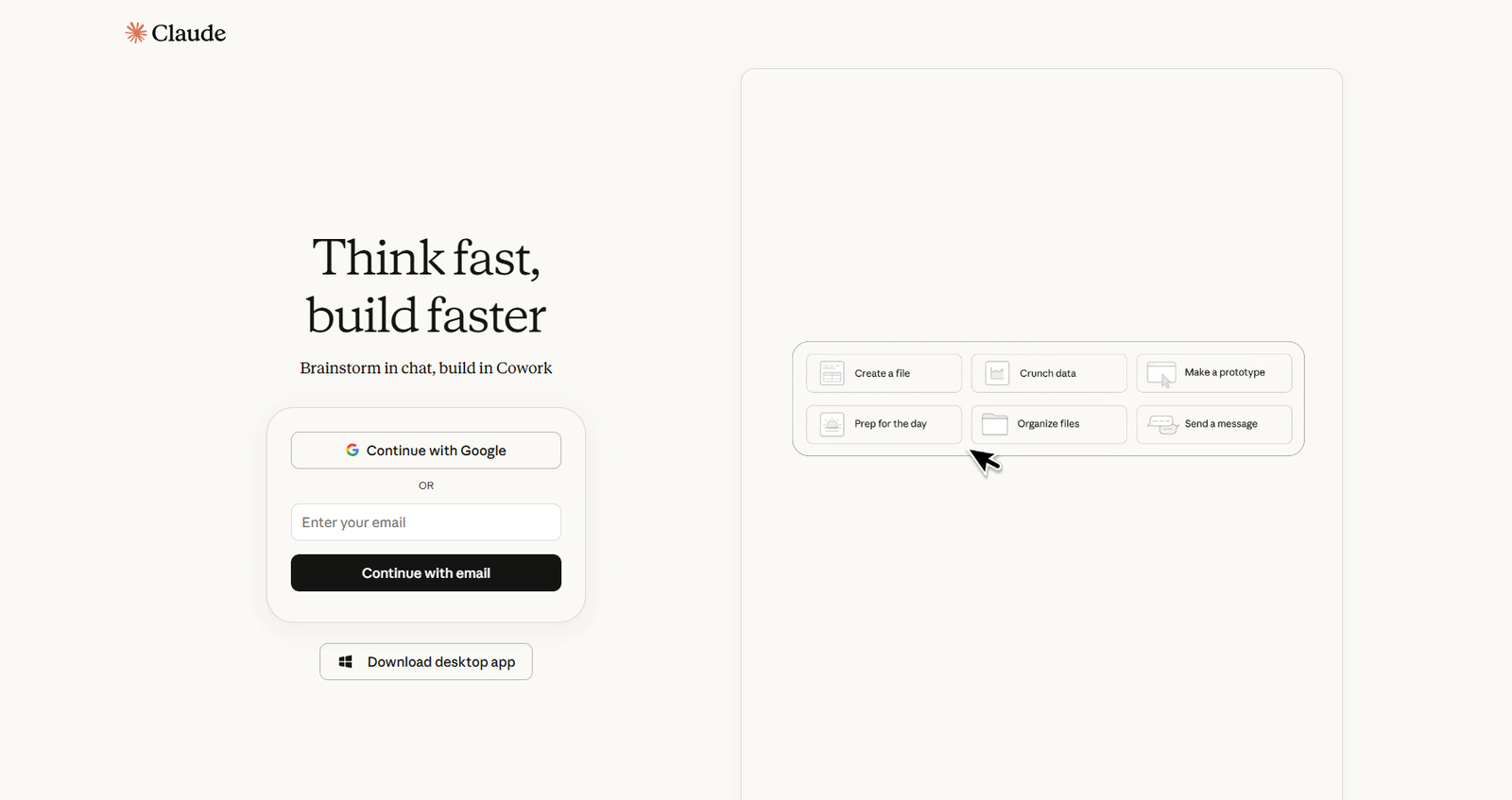
1. Anthropic Claude – Best for Natural Conversations & Writing
family is the favorite for professional writers and deep-thinking developers.
| Category | Details |
|---|---|
| Key Features | Boasts a massive context window for flawless document recall. Features Artifacts, which can generate code, interactive designs, and formatted text in a dedicated collaborative workspace. |
| Pros |
|
| Cons |
|
| Pricing | Offers a capable free tier. Claude Pro is available for $20/month. API pricing is considered highly competitive. |
| Best For | Content writers creating long-form SEO strategies, editors reviewing extensive documents, and developers working with multi-file codebases. |
| Why Choose Claude Over ChatGPT? | If your priority is natural-sounding writing and analyzing large PDFs or documents, Claude often has an advantage. The choice ultimately depends on whether you value conversational tone and document handling over other features. |
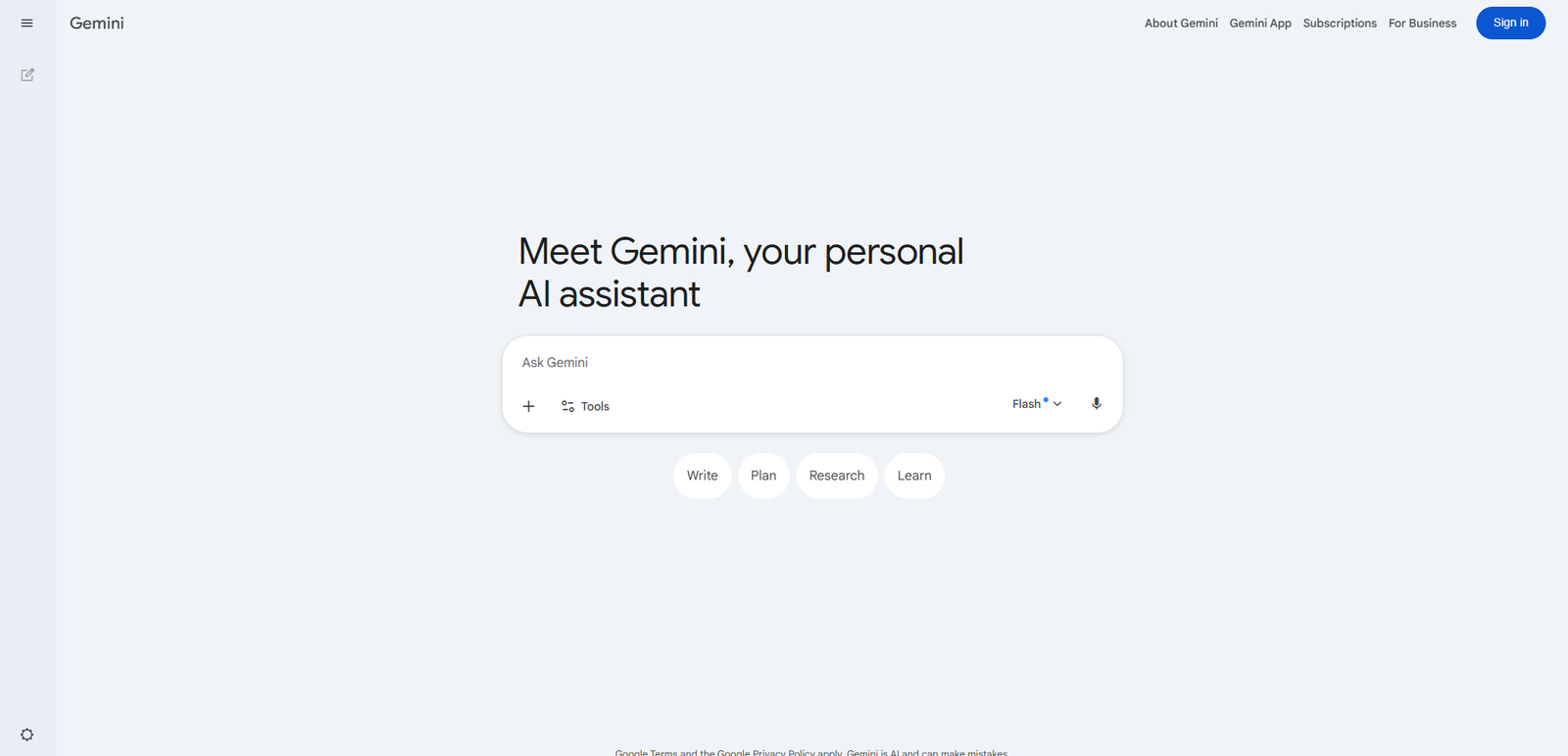
2. Google Gemini – Best for Google Ecosystem Integration
Google Gemini is an AI assistant serving as the ultimate hub for productivity.
| Category | Details |
|---|---|
| Key Features | Gemini is natively multimodal, with built-in understanding of text, audio, video, and images. It integrates deeply with Google Workspace, enabling users to read emails, analyze documents, and draft content directly within Google applications. |
| Pros | • Exceptional integration with Google Workspace tools.
• Fast real-time search capabilities. • Advanced multimodal and voice interaction features. |
| Cons | • Safety guardrails can sometimes be overly restrictive.
• Interfaces may feel cluttered for some users. |
| Pricing | A free basic tier is available. Gemini Advanced is included with select Google One plans, typically priced around $20/month. |
| Best For | Professionals who rely heavily on Google Workspace, as well as creatives who need integrated text, image, audio, and data-processing capabilities. |
| Gemini vs ChatGPT | In the comparison of Gemini vs ChatGPT, Gemini stands out for its deep Google ecosystem integration. It can seamlessly connect information from Gmail, Calendar, Drive, and Docs to streamline workflows and productivity. |
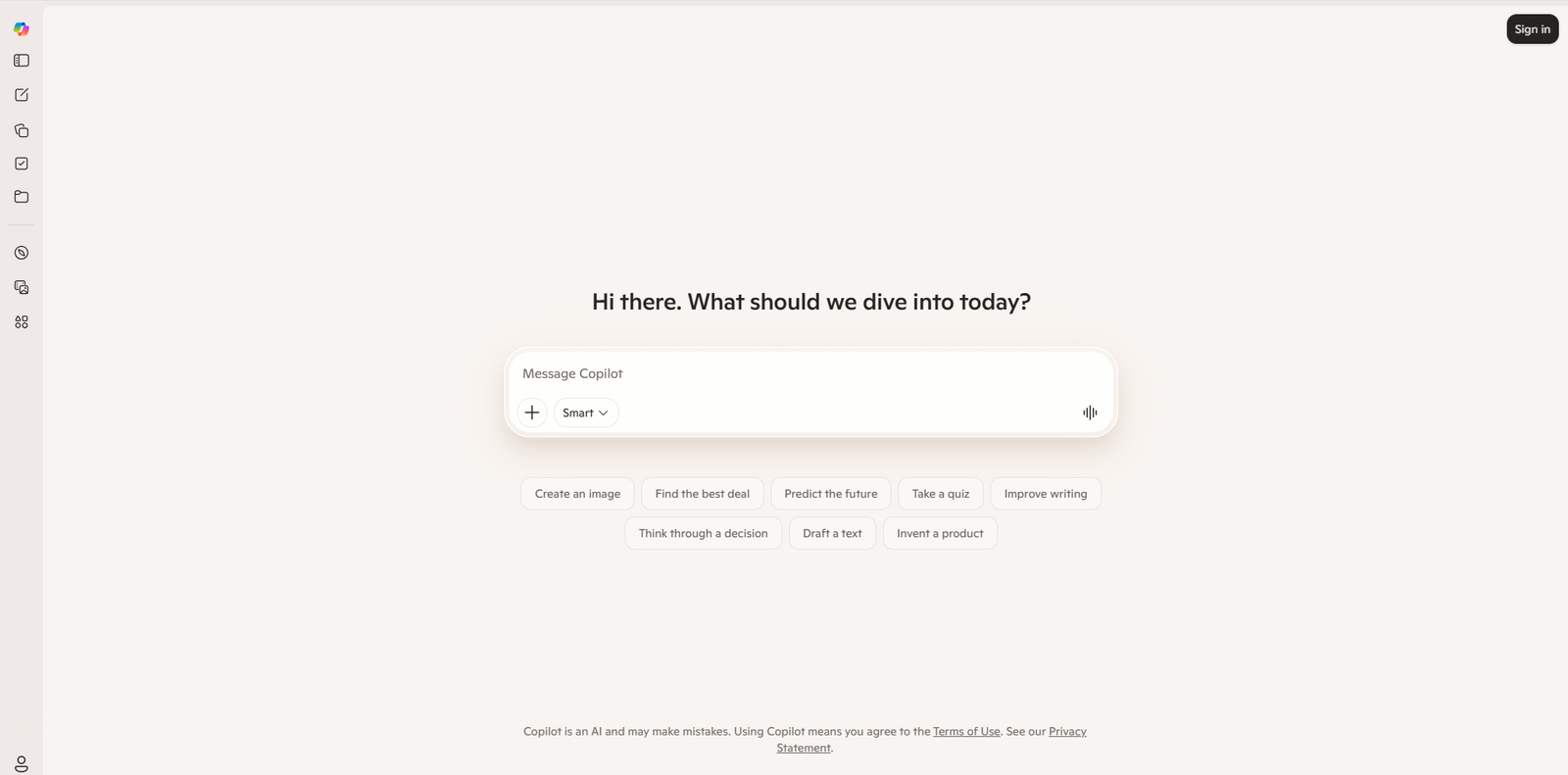
3. Microsoft Copilot – Best for Productivity & Office Work
Microsoft Copilot wraps OpenAI’s models into a highly secure shell integrating directly into Microsoft 365.
| Category | Details |
|---|---|
| Key Features | Copilot functions as a digital coworker, pulling relevant charts, files, and images to enrich responses. It is deeply integrated into Microsoft Word, Excel, PowerPoint, Outlook, and Teams, helping users generate presentations, analyze data, draft content, and summarize meetings automatically. |
| Pros | • Access to powerful AI models.
• Outstanding integration with Microsoft 365 applications. • Enterprise-grade security, compliance, and data protection. |
| Cons | • Best experience requires investment in the Microsoft ecosystem.
• Cross-application workflows can occasionally feel slow or laggy. |
| Pricing | Web and Windows access is available for free. Microsoft Copilot for Microsoft 365 requires a premium subscription or add-on license. |
| Best For | Corporate professionals, enterprise teams, and users whose daily workflows revolve around Microsoft Office and Microsoft 365 applications. |
| Copilot vs ChatGPT | When comparing Microsoft Copilot vs ChatGPT, Copilot excels at contextual productivity within Microsoft apps. It can work alongside active spreadsheets, documents, and meetings, providing insights and assistance without requiring users to switch between applications. |
4. Perplexity AI – Best for Research & Cited Answers
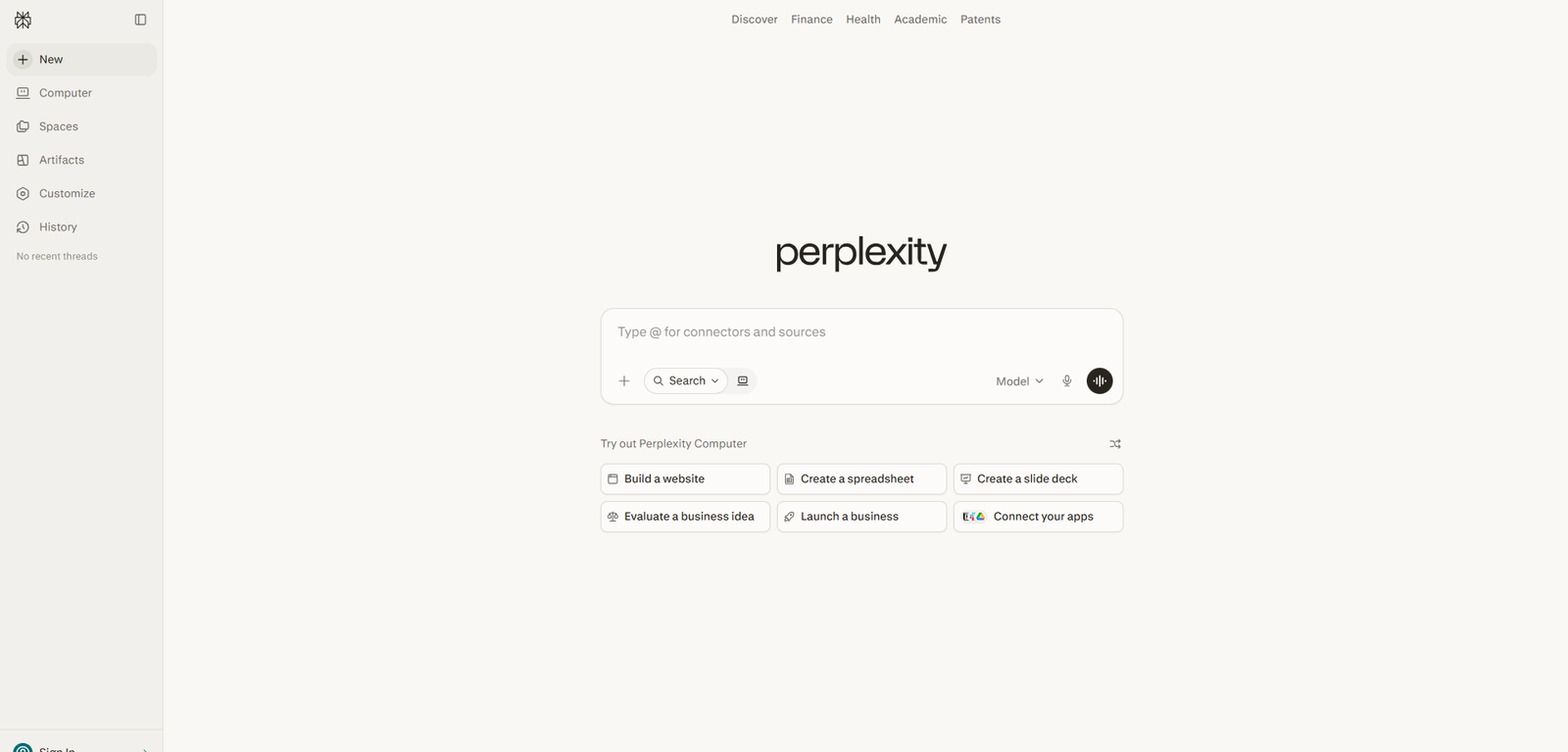
Perplexity AI is a sophisticated answer engine designed to eliminate ad-heavy search results.
| Category | Details |
|---|---|
| Key Features | Perplexity AI asks clarifying questions, scans live webpages, and synthesizes detailed answers with clickable citations and source references, helping users verify information easily. |
| Pros | • Significantly reduces hallucinations by providing cited sources. • Clean and ad-free user experience. • Excellent for in-depth research and fact verification. |
| Cons | • Not optimized for creative writing tasks. • Limited capabilities for offline coding projects. • Shorter conversational memory than some competitors. |
| Pricing | Offers a highly capable free version. Perplexity Pro is available for $20/month. |
| Best For | Academics, journalists, researchers, students, and professionals who need accurate, verifiable information backed by credible sources. |
| Why Choose Perplexity Over ChatGPT? | Perplexity provides direct links to studies, articles, and source materials, making it ideal for factual research and verification. Its citation-first approach helps users trace information back to original sources with confidence. |
5. Grok Chat – Best for Real-Time Social & Trend Analysis
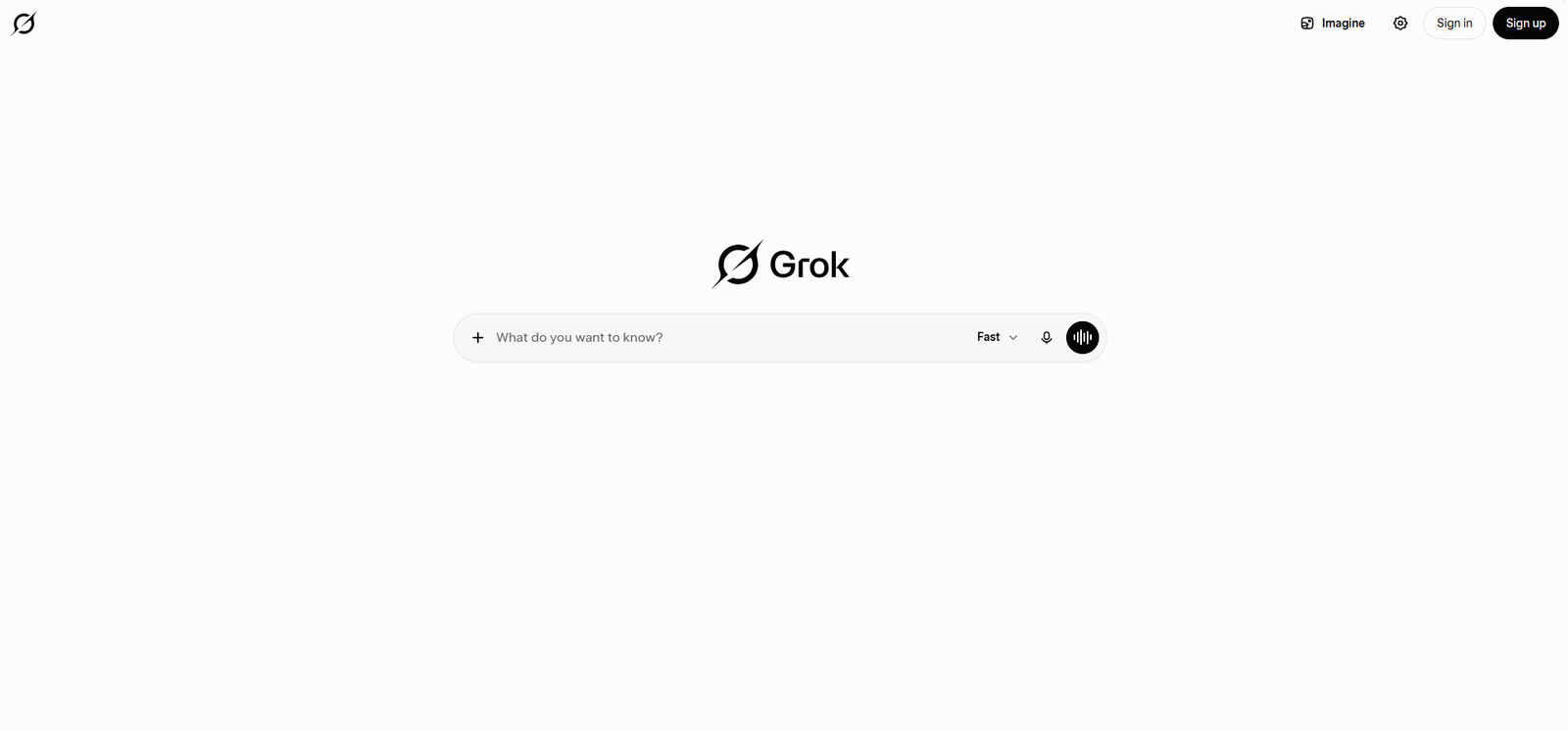
Grok Chat is the unfiltered rebel of the AI world, integrated directly into X.
| Category | Details |
|---|---|
| Key Features | Grok has real-time access to data shared across X (formerly Twitter), enabling it to analyze emerging trends, public discussions, and social sentiment quickly. It also includes a “Think” mode and is known for its direct, conversational personality. |
| Pros | • Excellent for tracking live news, trends, and social media conversations.
• Less restrictive in tone and responses compared to some competitors. • Strong image-generation capabilities. |
| Cons | • Information from social media may include unverified or inaccurate claims.
• Limited enterprise and productivity-tool integrations. |
| Pricing | Available to X Premium and X Premium+ subscribers. |
| Best For | Social media managers, marketers, trend analysts, and users who want real-time insights into online conversations and current events. |
| Why Choose Grok Over ChatGPT? | Grok’s access to live social media discussions provides rapid visibility into trending topics and public sentiment, making it particularly useful for monitoring breaking events and online trends as they develop. |
6. HuggingChat – Best Open-Source Alternative
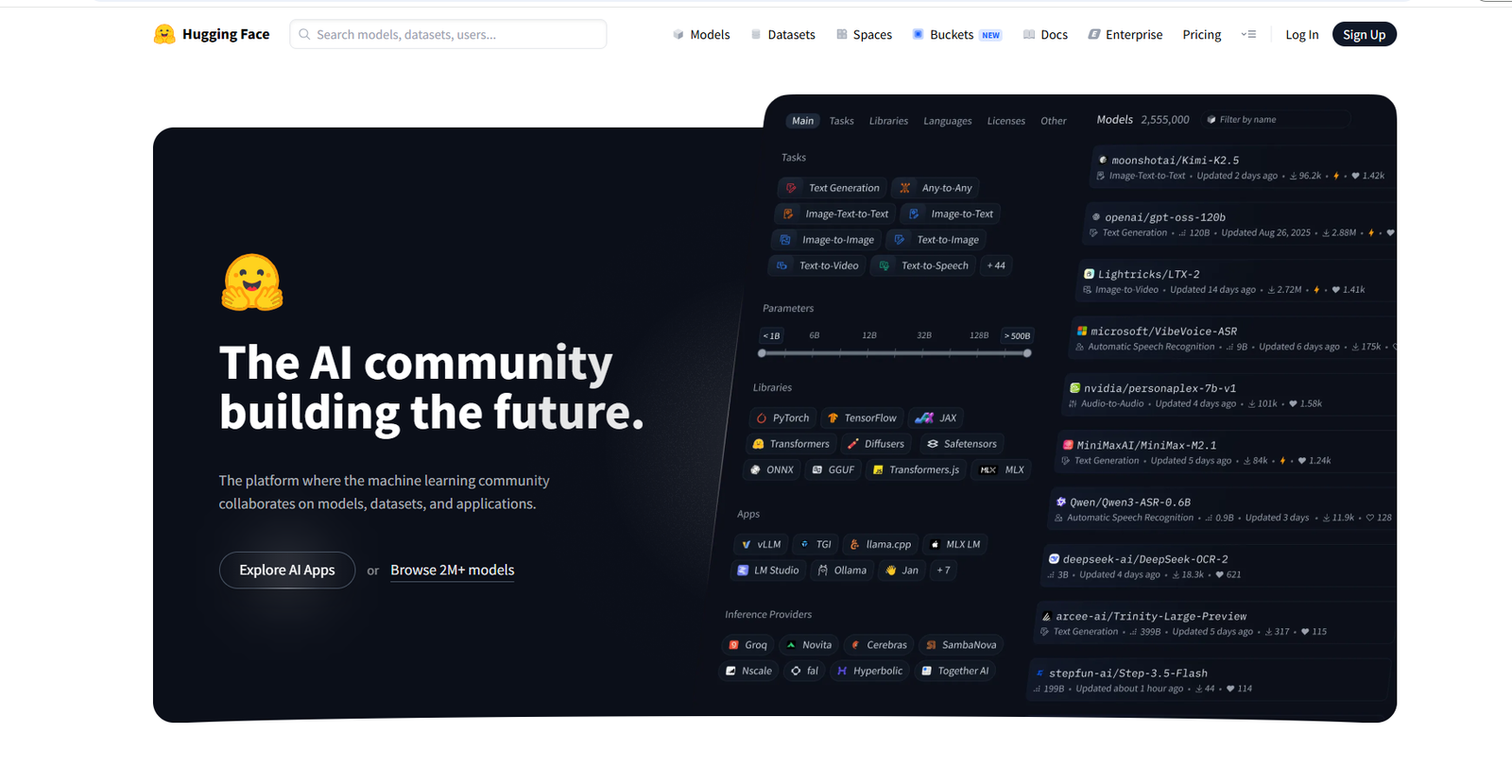
HuggingChat is the ultimate champion of open-source AI, offering transparent, customizable models.
| Category | Details |
|---|---|
| Key Features | HuggingChat provides access to leading open-source AI models such as Llama, Mistral, and other community-developed models. It also supports self-hosting, giving users greater control over their data and deployment environment. |
| Pros | • Completely free to use.
• Strong focus on privacy and transparency. • Enables comparison between multiple open-source AI models. |
| Cons | • Some open-source models may not consistently match the performance of the latest proprietary models in specialized reasoning tasks.
• Features and capabilities can vary depending on the selected model. |
| Pricing | Entirely free to use through the web interface. |
| Best For | Developers, privacy-focused organizations, researchers, and AI enthusiasts interested in open-source technology and model experimentation. |
| Why Choose HuggingChat Over ChatGPT? | HuggingChat appeals to users who prioritize transparency, open-source development, and greater control over their data. Its self-hosting capabilities and access to community-driven models make it a compelling option for privacy-conscious users. |
7. Qwen Chat – Best for Multilingual & Vision Tasks
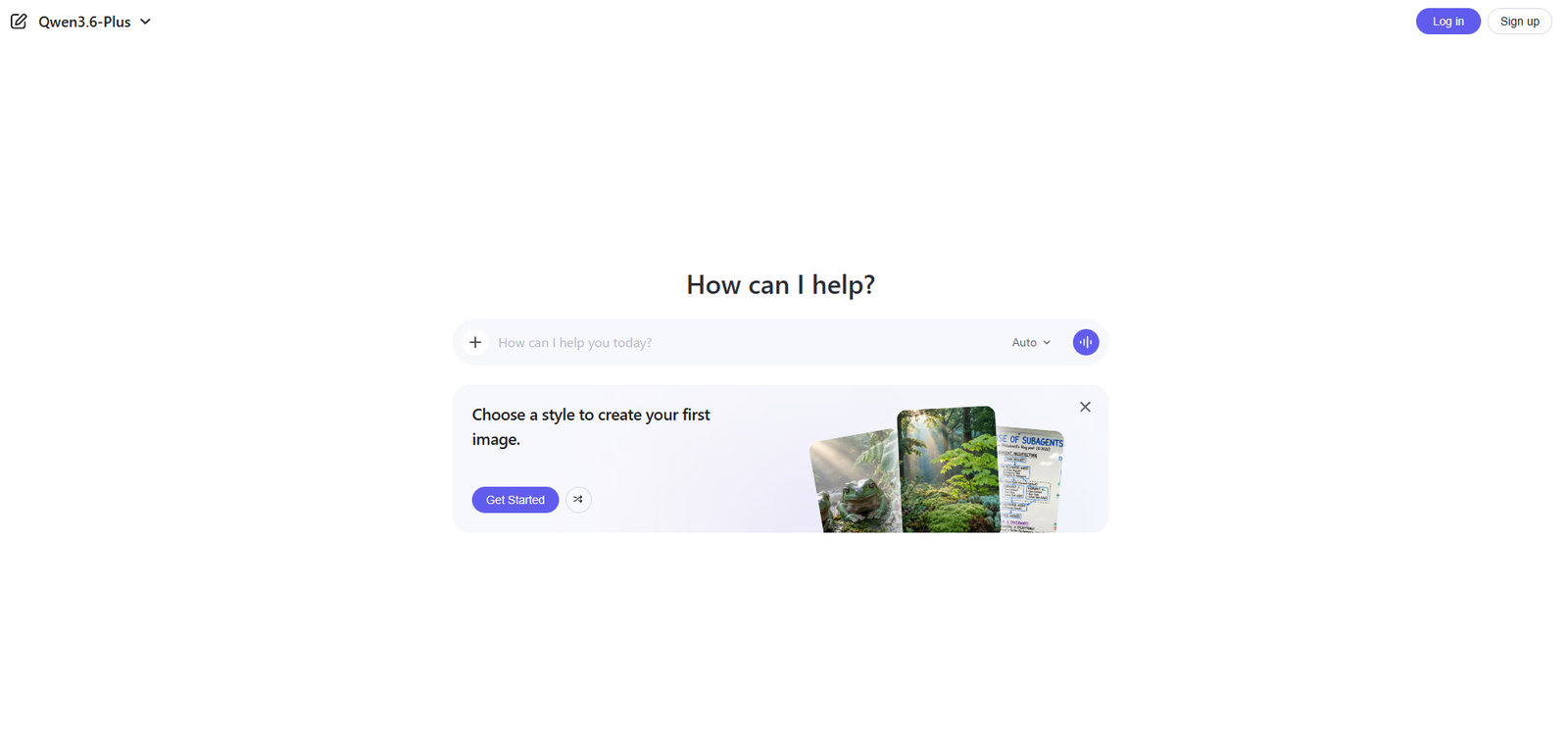
Qwen Chat series bridges the gap between Eastern and Western technology ecosystems.
| Category | Details |
|---|---|
| Key Features | Qwen offers exceptional multilingual capabilities and excels at complex visual understanding tasks. Its advanced OCR (Optical Character Recognition) technology can accurately read charts, documents, screenshots, and handwritten notes. |
| Pros | • Outstanding support for global languages and multilingual communication.
• Strong coding and software development capabilities. • High-quality open-weight models available for developers and researchers. |
| Cons | • User interface is less polished compared to some leading competitors.
• Lower brand recognition and adoption in Western markets. |
| Pricing | Includes a generous free tier for web users and highly affordable API pricing for developers and businesses. |
| Best For | Global professionals, translation services, multinational organizations, researchers, and users extracting information from complex images and documents. |
| Why Choose Qwen Over ChatGPT? | Qwen’s multilingual training and cultural awareness provide enhanced accuracy and contextual understanding for international communication, making it particularly valuable for cross-border collaboration and translation tasks. |
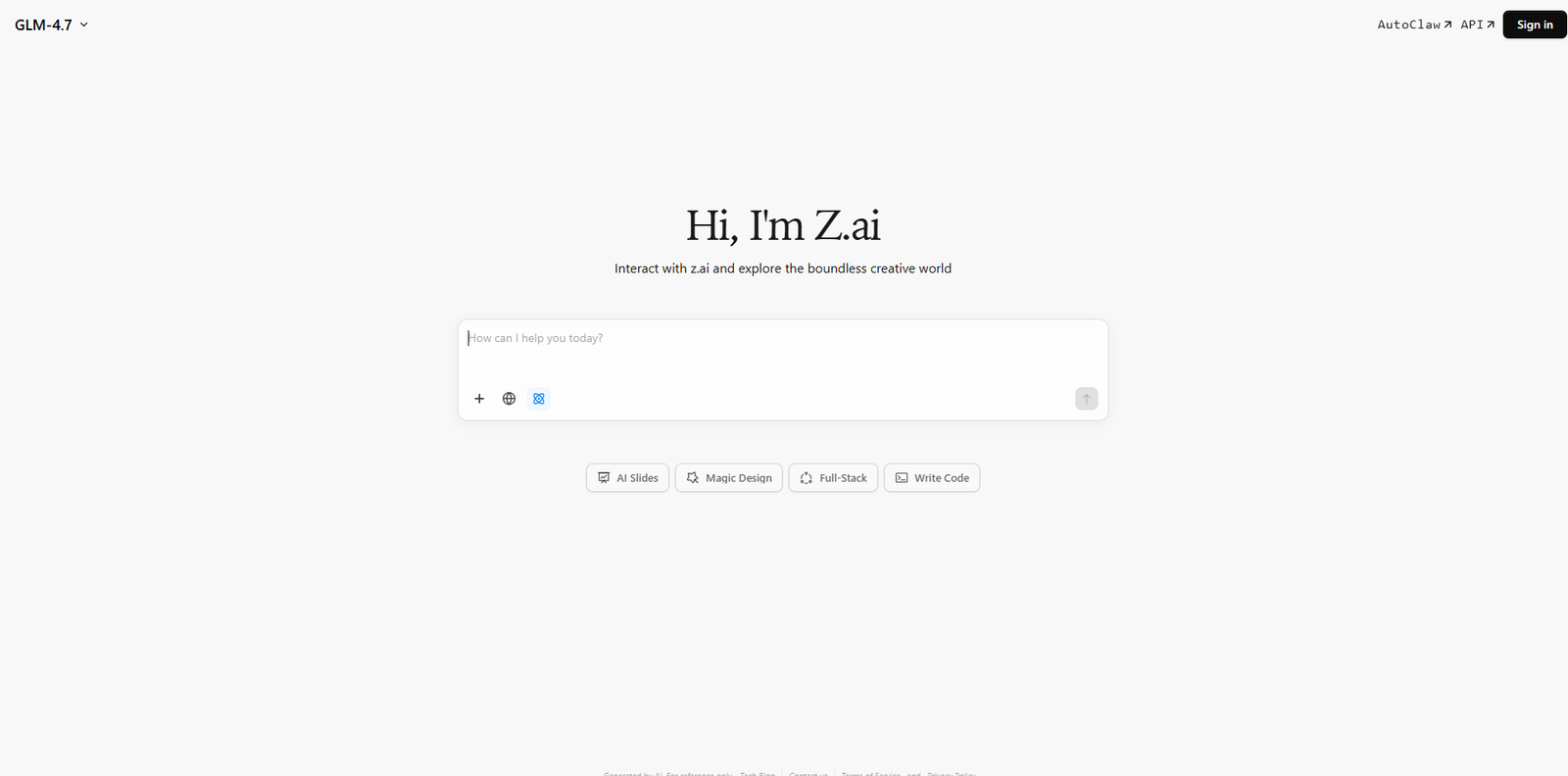
8. Z.ai Chat – Best Fast Free Chat & Coding
Z.ai chat offers incredibly fast, high-quality reasoning without heavy overhead or paywalls.
| Category | Details |
|---|---|
| Key Features | Z.ai is designed for speed and efficiency. It focuses on fast text generation and strong coding assistance without the complexity of extensive integrations or advanced productivity features. |
| Pros | • Extremely fast response generation.
• Strong coding and programming support. • Completely free for standard usage. |
| Cons | • Limited multimodal capabilities compared to leading AI platforms.
• Lacks deep integrations with productivity suites and business tools. |
| Pricing | One of the strongest free ChatGPT alternatives, offering unrestricted access to core features at no cost. |
| Best For | Everyday users, students, developers, and professionals who need a fast, reliable AI assistant without worrying about usage limits. |
| Why Choose Z.ai Over ChatGPT? | Z.ai is a practical option for users seeking a free, high-speed AI assistant. Its fast responses and coding capabilities make it a useful backup or alternative when usage limits or subscription costs are a concern. |
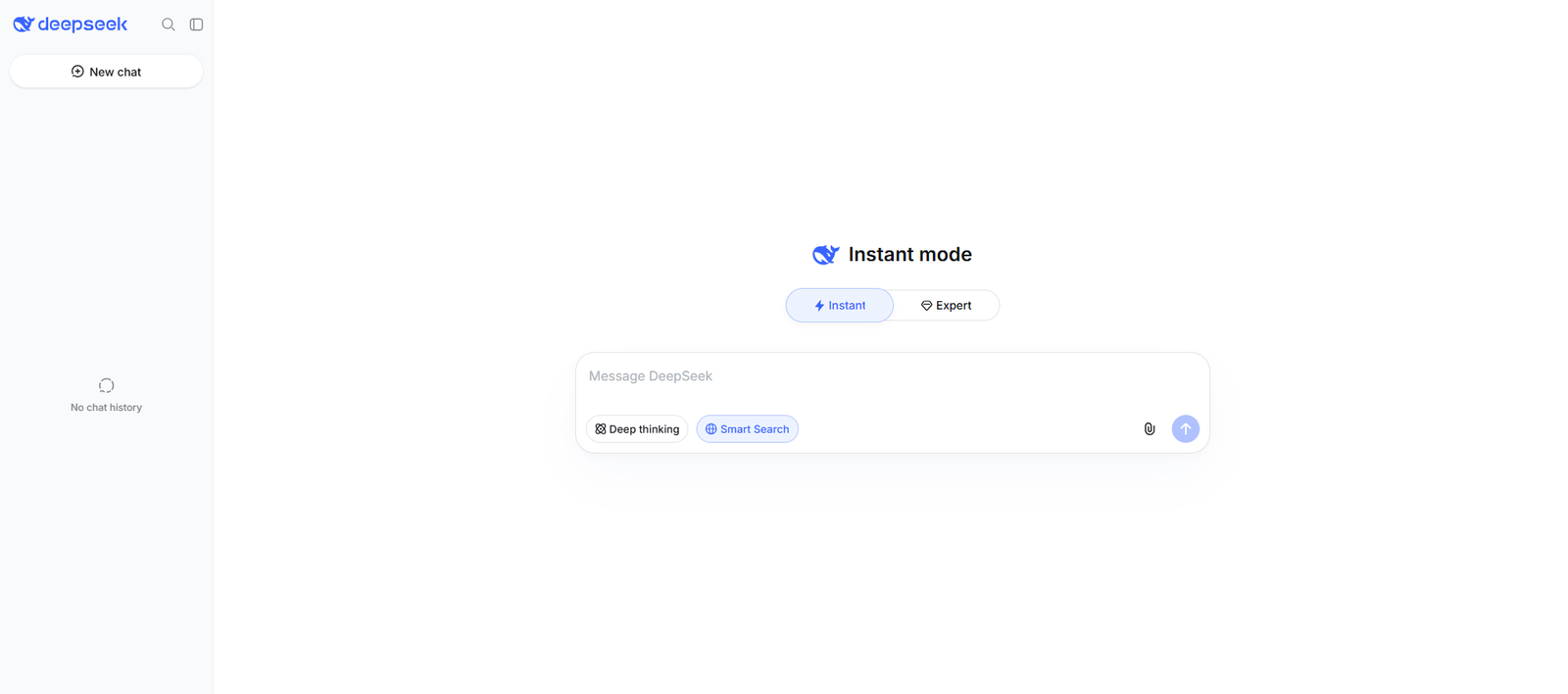
9. DeepSeek Chat – Best for Advanced Math & Code Reasoning
Software engineers scripting complex networking and data scientists running mathematical models.
| Category | Details |
|---|---|
| Key Features | • Advanced mathematical reasoning for solving complex equations and quantitative problems.
• Strong code generation, debugging, and software development assistance across multiple programming languages. • Handles complex logical reasoning and algorithm design tasks with detailed explanations. |
| Pros | • Exceptional performance in advanced mathematics, logical reasoning, and algorithmic problem-solving.
• Strong coding capabilities across multiple programming languages. • Handles complex technical queries with detailed explanations. • Cost-effective compared to many premium AI alternatives. |
| Cons | • Less polished user experience than some mainstream AI platforms.
• Weaker ecosystem integrations with productivity and business tools. • Creative writing and conversational abilities may not feel as refined as specialized writing-focused models. |
| Pricing | Offers a generous free tier for most users. API access is generally priced competitively, making it an affordable option for developers and businesses. |
| Best For | Software engineers building complex applications, data scientists developing mathematical models, researchers solving technical problems, competitive programmers, and STEM students working on advanced calculations. |
| Why Choose DeepSeek Chat Over ChatGPT? | DeepSeek Chat excels in mathematical reasoning, coding, algorithm design, and technical problem-solving. If your work revolves around debugging code, solving advanced equations, analyzing algorithms, or handling highly technical tasks, DeepSeek often provides deeper step-by-step reasoning and technical detail than general-purpose AI assistants. |
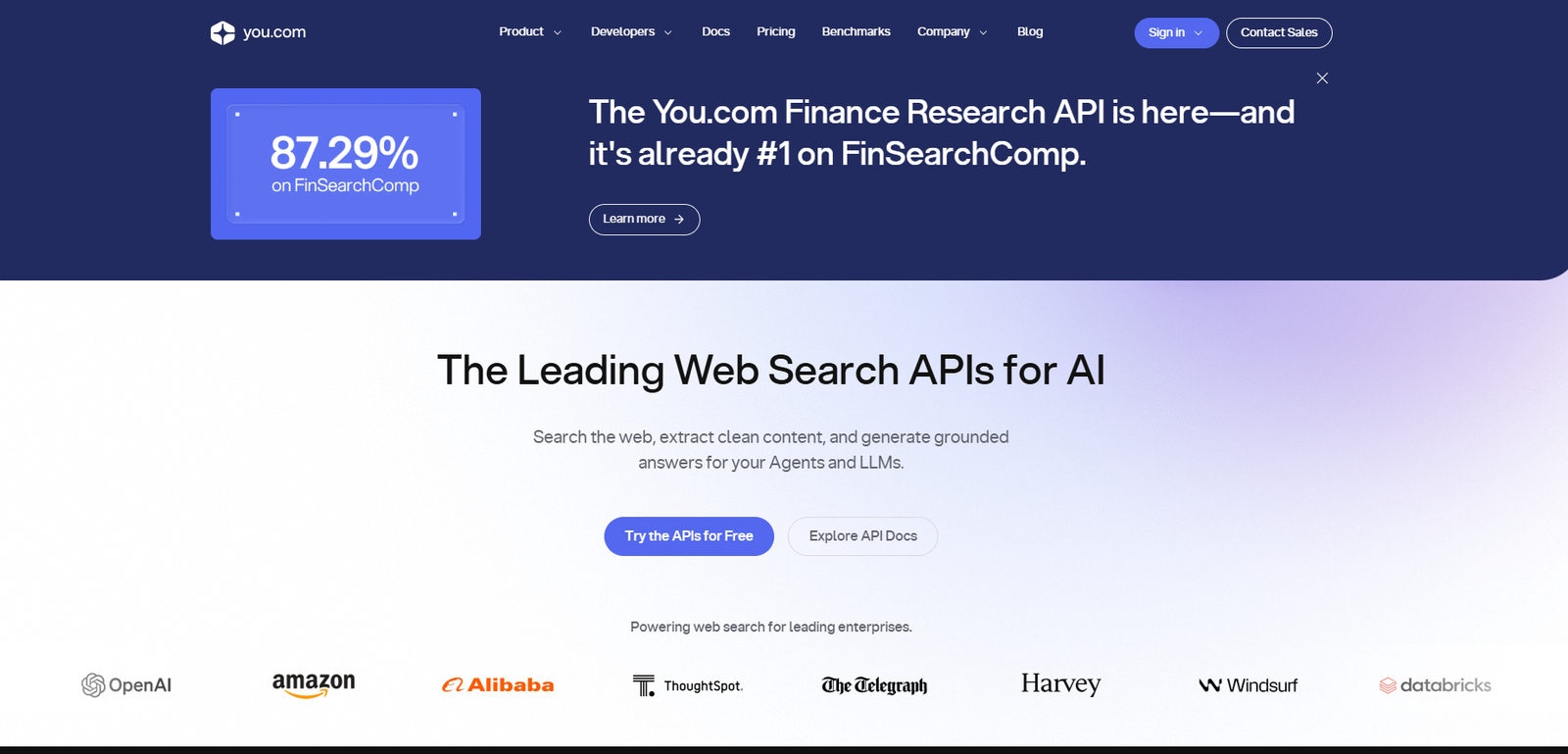
10. You.com – Best for Customizable AI Workflows
You.com is a customizable platform letting you orchestrate the best tools in the industry from a single dashboard.
| Category | Details |
|---|---|
| Key Features | Features task modes and an agnostic approach. Paid users seamlessly toggle between models within the same chat window. |
| Pros | • Exceptional flexibility with access to multiple AI models.
• Real-time web search capabilities. • Custom AI agents enhance productivity and automation. • Eliminates the need for multiple AI subscriptions. |
| Cons | • Lacks the deep integration and refinement of some dedicated AI platforms.
• User experience may feel less cohesive than specialized standalone applications. |
| Pricing | Capable free tier. Pro tier costs $20/month for access to premium models. |
| Best For | Power users want benefits of all major AI models without five different subscriptions. |
| Why Choose You.com Over ChatGPT? | You.com leverages the strengths of every top-tier model on the market for absolute flexibility. |
ChatGPT Alternatives Comparison Table
Categorizing these tools by their greatest strengths ensures you select the right AI for your specific demands.
| Use Case | Best AI Chatbot | Why It Excels |
|---|---|---|
| Creative Writing | Anthropic Claude 4.5 Sonnet | Produces natural, human-like writing and excels at long-form content creation, editing, and document analysis. |
| Microsoft Ecosystem | Microsoft Copilot | Deeply integrated with Microsoft 365 apps such as Word, Excel, PowerPoint, Outlook, and Teams for seamless productivity. |
| Real-Time Social Data | Grok Chat | Provides access to live social media conversations and trends, making it ideal for monitoring breaking news and public sentiment. |
| Academic Research | Perplexity AI | Delivers citation-backed answers with direct links to sources, helping users verify information quickly and accurately. |
| Complex Coding | DeepSeek Chat | Excels at advanced programming, algorithm design, debugging, mathematical reasoning, and technical problem-solving. |
Which ChatGPT Alternative Is Best for You?
Let’s break down the ideal tools based on user personas and distinct daily needs.
| Use Case | Recommended AI Chatbot(s) | Why It’s the Best Choice |
|---|---|---|
| Best for Students | Perplexity AI | Provides citation-backed answers and verifiable sources, helping students conduct accurate research while minimizing the risk of misinformation or hallucinated content. |
| Best for Developers | Microsoft Copilot, DeepSeek Chat, Anthropic Claude 4.5 | Copilot integrates directly with development environments and Microsoft tools, while DeepSeek Chat and Claude excel at code analysis, debugging, and complex logical problem-solving. |
| Best for Content Writers | Anthropic Claude 4.5 | Produces highly natural, human-like writing, making it ideal for SEO content, long-form blogs, content strategy, editing, and maintaining brand voice consistency. |
| Best for Businesses | Microsoft Copilot, Google Gemini | Both integrate seamlessly into enterprise productivity suites and offer advanced collaboration features, workflow automation, and enterprise-grade security. |
| Best Free AI Chatbot | HuggingChat, Z.ai Chat | HuggingChat offers transparent open-source AI models with a strong focus on privacy, while Z.ai Chat delivers fast and reliable responses for everyday tasks at no cost. |
| Best AI for Research | Perplexity AI, Google Gemini | Perplexity specializes in citation-based factual research, while Gemini excels at synthesizing information from large documents, PDFs, and multiple data sources. |
| Best AI for Coding | DeepSeek Chat, Qwen Coder | DeepSeek Chat provides advanced code reasoning, debugging, and mathematical problem-solving, while Qwen Coder is optimized for programming, complex logic, and specialized coding tasks. |
Key Features to Look for in an AI Chatbot
When conducting your ai chatbot comparison, focus on these foundational pillars.
1. AI Accuracy and Response Quality
The best models utilize advanced , logically planning responses step-by-step to drastically reduce hallucinations.
2. Speed and Performance
Waiting thirty seconds for an output breaks your flow state. Tools prioritizing fast time-to-first-token (TTFT) feel like actual conversational partners.
3. Integrations and Workflow Support
The best AI assistants connect directly to your email, design software, and cloud storage, acting directly upon existing data.
4. Privacy and Security Features
Before pasting sensitive data, ensure the platform offers an opt-out for data training. Open-source models and enterprise tiers are the gold standard.
The Future of AI Chatbots in 2026
The industry moves at breakneck speed. Here is where the technology is heading.
Emerging AI Trends
The biggest shift is the transition to autonomous agents. Soon, you will tell an AI to research a topic, draft a post, format it, and autonomously publish it without human intervention.
How AI Assistants for Businesses Will Evolve
With ultra-low latency voice models, typing prompts will feel outdated. The next generation of assistants will sit in your ear for fluid, real-time collaboration.
Final Thoughts on the Best ChatGPT Alternatives
Real productivity power lies in choosing the exact right tool for the specific job at hand.
Which AI Assistant Should You Choose?
If your success relies on flawless research, Perplexity is your default. If you hunt down bugs, choose DeepSeek and Claude.
Final Recommendations Based on Your Needs
Build a diverse toolkit. Employ a combination of chatgpt competitors to assemble a customized suite of generative ai tools that perfectly supercharges your productivity.
FAQs
Q1. What are some of the best ChatGPT alternatives?
Some of the best alternatives to ChatGPT are Google Gemini , Claude , Microsoft Copilot , Perplexity AI and Grok . These AI chatbots are pretty popular for things like writing, research , coding , and just answering questions in general.
Q2. Which AI chatbot is better than ChatGPT ?
Honestly there is not one single AI chatbot that is better for everything . Claude is really solid for long form writing, Gemini tends to play well with Google apps, and Perplexity AI is kinda great for fast research, especially when it gives web based answers.
Q3. Are there free alternatives to ChatGPT ?
Yes, there are free options out there . A few well known free alternatives are Google Gemini, Microsoft Copilot, Claude, and Perplexity AI. You usually get basic AI features without having to pay.
Q4. What is the best AI assistant in 2026 ?
ChatGPT is still among the top AI assistants for businesses in 2026, mainly because it helps with writing, learning, coding, and day to day productivity. Still though, Gemini and Copilot are strong contenders too, depending on what you actually need.
Q5. Which AI chatbot is best for coding ?
For coding, ChatGPT, GitHub Copilot, and Claude are often mentioned as some of the best AI chatbots. They can help with writing code, fixing errors, explaining programming ideas, and overall improving development speed .
 Read More: 8 Ways AI is Changing the Digital World
Read More: How AI and Data Trends are Shaping Business Success
{
“@context”: “https://schema.org”,
“@type”: “FAQPage”,
“mainEntity”: [
{
“@type”: “Question”,
“name”: “What are some of the best ChatGPT alternatives?”,
“acceptedAnswer”: {
“@type”: “Answer”,
“text”: “Some of the best alternatives to ChatGPT are Google Gemini , Claude , Microsoft Copilot , Perplexity AI and Grok . These AI chatbots are pretty popular for things like writing, research , coding , and just answering questions in general.”
}
},
{
“@type”: “Question”,
“name”: “Which AI chatbot is better than ChatGPT ?”,
“acceptedAnswer”: {
“@type”: “Answer”,
“text”: “Honestly there is not one single AI chatbot that is better for everything . Claude is really solid for long form writing, Gemini tends to play well with Google apps, and Perplexity AI is kinda great for fast research, especially when it gives web based answers.”
}
},
{
“@type”: “Question”,
“name”: “Are there free alternatives to ChatGPT ?”,
“acceptedAnswer”: {
“@type”: “Answer”,
“text”: “Yes, there are free options out there . A few well known free alternatives are Google Gemini, Microsoft Copilot, Claude, and Perplexity AI. You usually get basic AI features without having to pay.”
}
},
{
“@type”: “Question”,
“name”: “What is the best AI assistant in 2026 ?”,
“acceptedAnswer”: {
“@type”: “Answer”,
“text”: “ChatGPT is still among the top AI assistants for businesses in 2026, mainly because it helps with writing, learning, coding, and day to day productivity. Still though, Gemini and Copilot are strong contenders too, depending on what you actually need.”
}
},
{
“@type”: “Question”,
“name”: “Which AI chatbot is best for coding ?”,
“acceptedAnswer”: {
“@type”: “Answer”,
“text”: “For coding, ChatGPT, GitHub Copilot, and Claude are often mentioned as some of the best AI chatbots. They can help with writing code, fixing errors, explaining programming ideas, and overall improving development speed .”
}
}
]
}
Practical experience and sources
I compared ten assistants on the same 20-task battery for 2 weeks (drafting, coding help, summarization). I measured task success and edit time. After scoring, the result was two alternatives beating the default on coding tasks by about 15 percent fewer edits, while another won on long summarization. In practice, privacy posture eliminated three candidates immediately.
With 6 years of experience evaluating LLM tools for teams, I’m a certified AI tooling reviewer who scores alternatives on task batteries and data policies.
According to NIST AI RMF, AI tool choices should include risk, reliability, and governance — not only demo quality. According to FTC guidance on AI claims, marketing claims about AI capabilities must be truthful and substantiated.



