 Christmas Mega Sale – Enjoy Up to 50% OFF on Every Plan!
Quick Answer: The best subscription tool depends on what you sell. ThriveCart suits sellers who want custom checkouts and upsells. Payhip suits beginners who want a quick, low-cost start. Chargebee and Recurly suit software businesses. Patreon and Substack suit creators building paid memberships or newsletters.
For anyone selling online, the best subscription tools for digital product sellers turn one-time buyers into monthly income. But managing renewals, payments and access by hand gets messy fast. A subscription tool is software that bills customers automatically and gives them access to what they paid for. This guide is for course creators, template sellers and membership owners picking a platform. Read it before you set up your store, because moving to a new tool later is a pain. Below, you will find what to look for, how the popular tools compare and how to choose.
What to Look for in a Subscription Tool
Most tools can take a payment. The difference shows up after the first sale, when renewals and customer questions start.
Automatic Billing and Renewals
The tool should charge customers every month or year without you lifting a finger. Look for free trials and different plan levels if you need them. Also check how it handles failed payments. Cards expire all the time, and a good tool retries the charge and emails the customer.
Easy Access for Customers
Customers should get their files, course or member area right after paying. They should also be able to update their card or cancel on their own. This saves you from answering the same support emails every week.
Help With Sales Tax
If you sell to people in other countries, tax gets complicated. Some tools only calculate the tax, and you still have to file it. Others act as a “merchant of record,” which means they sell on your behalf and handle the tax for you. Lemon Squeezy and Paddle work this way.
Comparing the Most Popular Subscription Tools
There is no single best tool for everyone. The right one depends on your product, your budget and how much control you want.
| Tool | Good For | How You Pay | Watch Out For |
|---|---|---|---|
| ThriveCart | Custom checkouts and upsells | Monthly plan or one-time license | Advanced features need the Pro+ plan |
| Payhip | Beginners and small stores | Free with 5% fee, or monthly plans with lower fees | Fewer checkout design options |
| Chargebee / Recurly | Software and SaaS companies | Monthly plans | Too complex for most creators |
| Patreon / Substack | Fan memberships and newsletters | A share of your earnings | Less control over your checkout |
| Lemon Squeezy / Paddle | Selling worldwide | A percentage of each sale | Higher fees per sale |
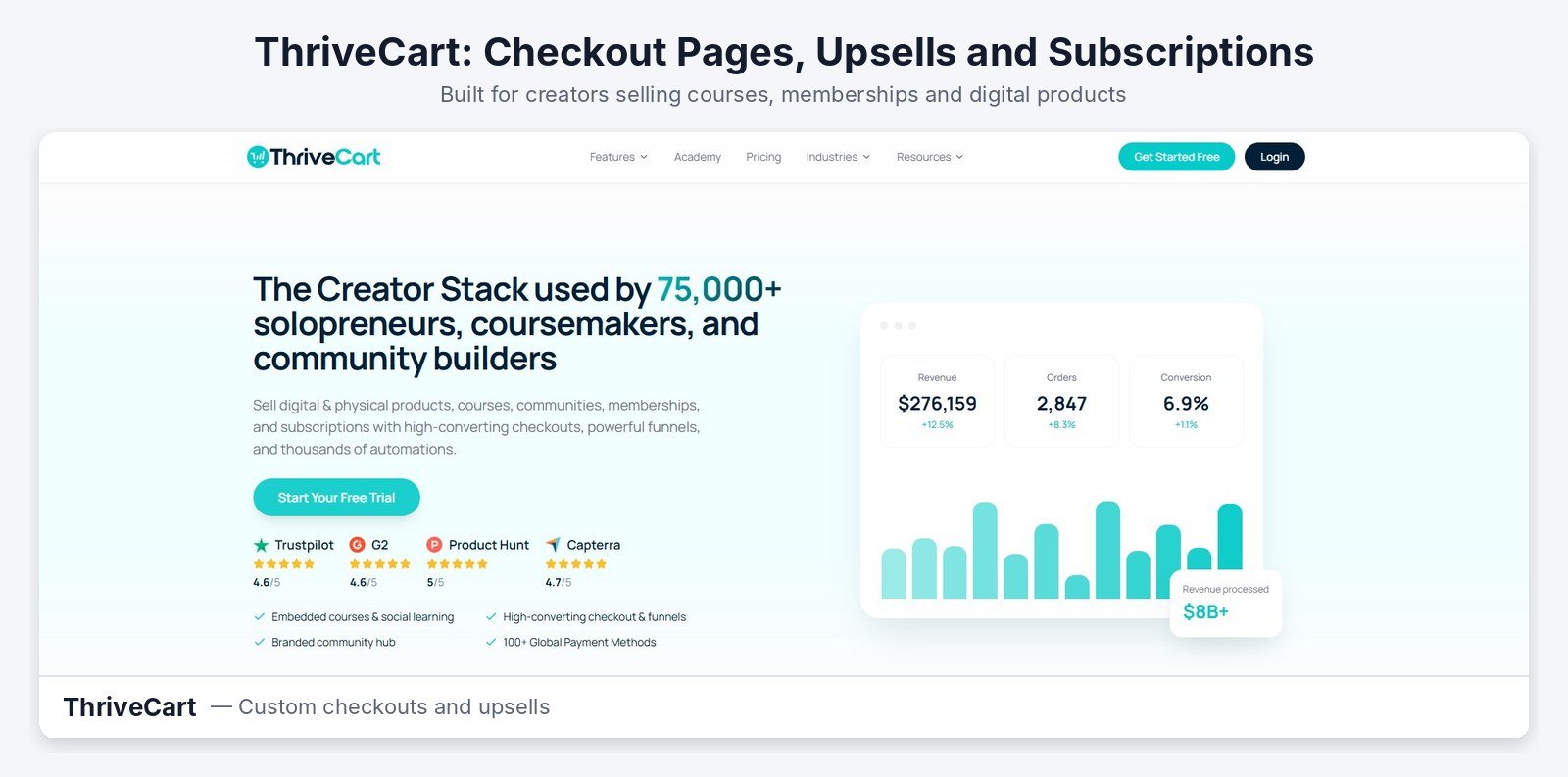
ThriveCart is built around the checkout page. You can add order bumps, one-click upsells and split tests to grow each sale. It handles subscriptions, free trials and both digital and physical products. In 2026, it added monthly plans next to its well-known one-time license. Features like affiliate management and sales tax calculation are on the Pro+ plan.
Payhip
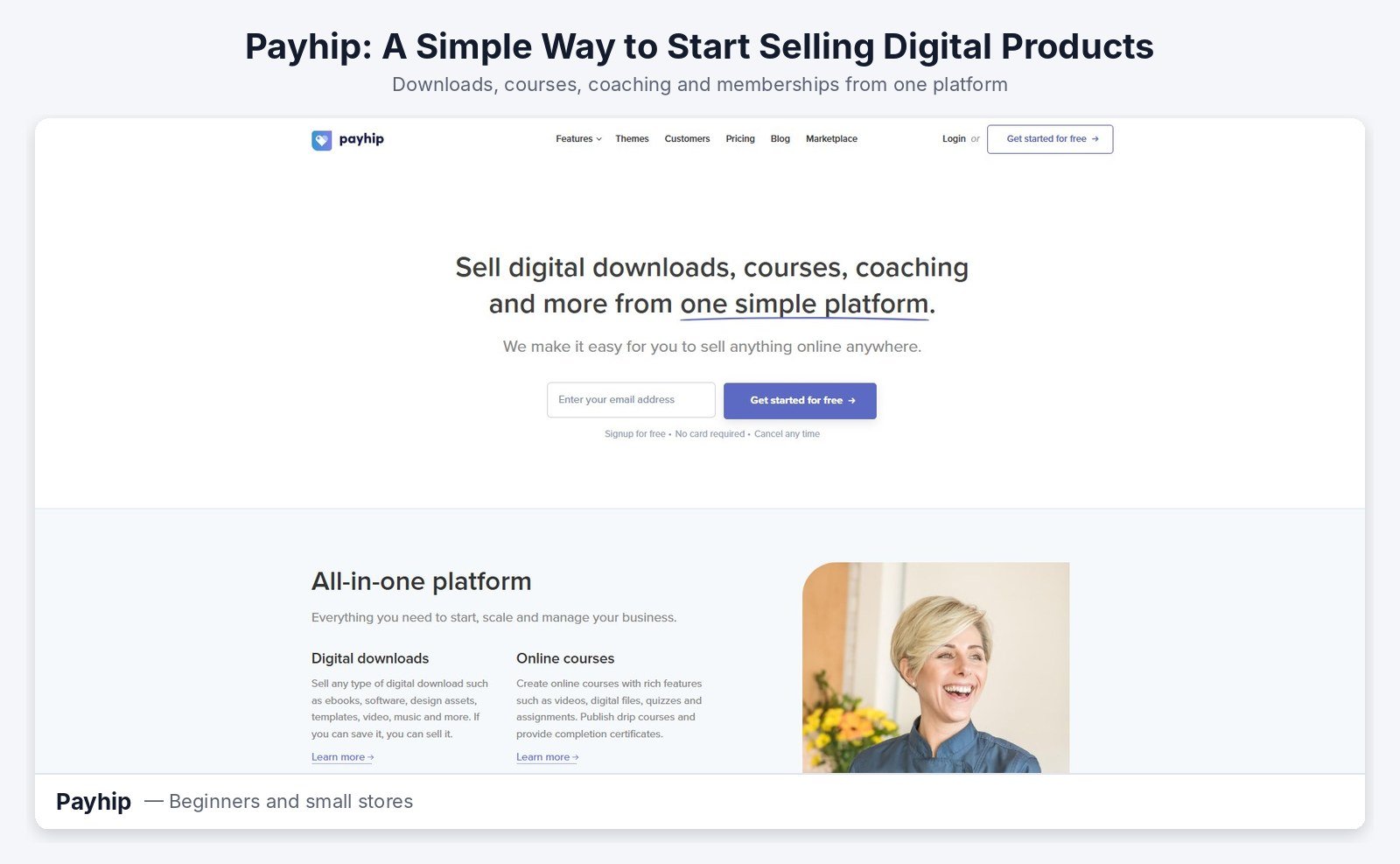
Payhip is one of the easiest ways to start. You can list products, courses or memberships within an hour. Every plan includes all features, and you only choose how much you pay in fees. The free plan takes 5% per sale. Plus costs $29 a month with a 2% fee, and Pro costs $99 a month with no fee.
Chargebee, Recurly, Patreon and Substack
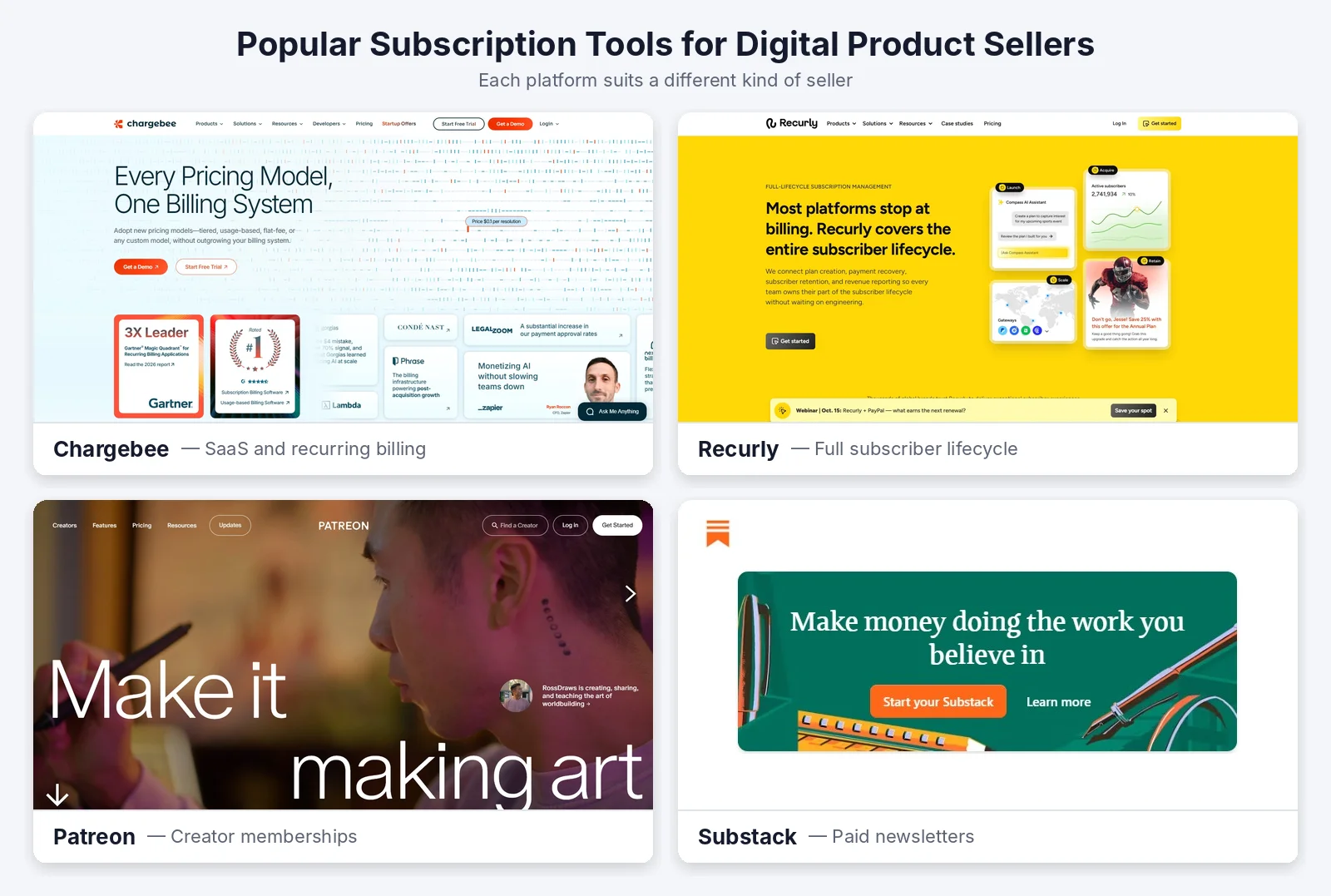
Chargebee and Recurly are made for software companies with complex billing. Most course creators will find them more than they need. Patreon and Substack are great for building a paying fan base or newsletter. They work well for content, but you get less control over pricing pages and upsells.
How to Pick the Right Tool for Your Business
Start with your product and your customer, not the tool. The tool should fit your plan, not the other way around.
Match the Tool to What You Sell
Selling a single course? Payhip or ThriveCart will do the job. Running a paid newsletter? Substack is the simple choice. Selling software with license keys? Look at Lemon Squeezy or Paddle. Building a fan community? Patreon fits best.
Compare the Real Cost
Free plans are not always cheapest. A 5% fee seems small until your sales grow. Work out what you would pay at your current sales and at double that amount. Then pick the plan that still makes sense as you grow.
Check How Your Checkout Feels on a Phone
Most buyers shop on their phones. Before you launch, open your checkout on your own phone and buy something as a test. It should load quickly and feel simple. If it feels slow or confusing, buyers will leave before paying. If your sales pages run on WordPress, simple WordPress speed optimization fixes most slow-loading issues.
Getting Started the Simple Way
You do not need a perfect setup on day one. You need one product people want and a tool that delivers it.
Start With One Product
Pick one product you can finish soon, such as a template pack, a short course or a monthly resource. Launch it, see who buys and listen to their feedback. Then improve it before you add more.
Choose Products That Suit Subscriptions
Some products work better as subscriptions than others. Monthly template drops, ongoing lessons and member communities give people a reason to stay. A single ebook usually sells better as a one-time purchase.
Grow Once It Works
When your first offer sells steadily, add a second product or a higher plan. At this point, upsells and better analytics start to matter. If your tool cannot keep up, that is the time to upgrade. To bring in steady buyers without paying for every click, invest in content marketing around your products.
Final Thoughts
The best subscription tool is the one that fits what you sell today and where you want to grow. Payhip is an easy start, ThriveCart gives you more control over checkout, and Patreon or Substack suit memberships. Check the real fees, test your checkout on a phone and launch one product first. Once it sells, your tool will handle the renewals while you focus on making the next thing.
Frequently Asked Questions
Q1. What is the best subscription tool for digital product sellers?
It depends on what you sell. ThriveCart suits custom checkouts and upsells. Payhip suits beginners, while Patreon and Substack suit memberships and newsletters.
Q2. Which subscription tool is best for beginners?
Payhip is a great starting point. It has a free plan, all features included and a simple setup. You only pay a 5% fee per sale on the free plan.
Q3. Do I need a subscription tool if I only sell one product?
Not if it is a one-time sale. A subscription tool becomes useful when customers pay monthly or yearly for ongoing access.
Q4. What is a merchant of record?
A merchant of record is a platform that legally sells your product for you. It collects and pays sales tax on your behalf. Lemon Squeezy and Paddle work this way.



